Modern UI/UX in Figma, built for conversions and clarity.
Users form an impression of your product in less than a second. Before they've read your headline or understood what you do, they've already made a judgment about whether this looks like something trustworthy, professional, and worth their attention. Good design doesn't just look nice — it communicates competence, clarity, and reliability at a glance. Bad design communicates the opposite, no matter how good the underlying product is.
We design with this in mind. Every visual decision — typography, color, spacing, layout — is made in service of the impression you want to create and the action you want visitors to take. Decoration for its own sake isn't design; it's noise. Every element on a page should be earning its place.
Before opening Figma, we map user flows. A user flow describes the path a user takes through the product to accomplish a goal: signing up, completing their first task, inviting a team member, finding a report. Understanding the flow reveals the design constraints before any visual work begins — where users are coming from, what information they need at each step, and what decision they need to make to move forward.
This step is often skipped by teams eager to get to the visuals. It's a mistake that shows up later as conversion problems, confusing navigation, and onboarding flows where users don't know what to do next. Mapping flows before designing screens means the visual work solves the right problems rather than creating beautiful screens that don't fit together into a coherent experience.
Information architecture — how information is organized and labeled — has a larger impact on usability than visual design in many products. A dashboard that puts the right information where users expect to find it is more usable than a beautifully designed dashboard that buries the information users need most. We design IA as a distinct phase before visual design, using techniques like card sorting and tree testing to validate that the structure makes sense to real users rather than just to the people who built it.
Navigation design is part of information architecture. The navigation structure communicates the product's model to new users and determines whether existing users can find things quickly. We design navigation that reflects how users think about the product rather than how the engineering team organized the code or how the business is structured internally.
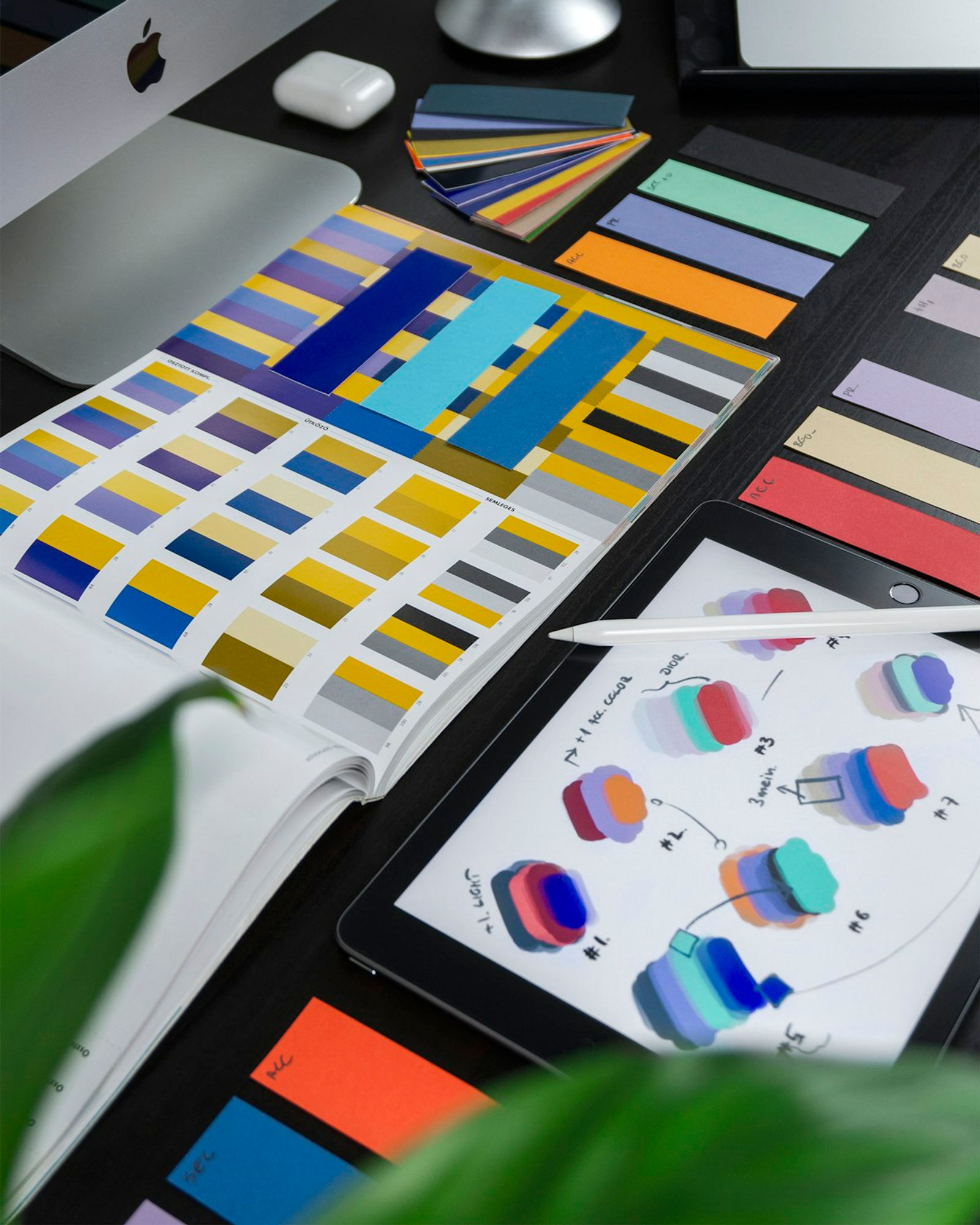
Visual design in Figma produces the actual look and feel of the product: color palette, typography, component library, spacing system, and the assembled screens. We work with your existing brand guidelines if you have them, or develop a visual direction as part of the project if you don't. The visual language is consistent throughout — the same patterns used the same way for the same purposes, so users learn the interface quickly and don't encounter surprises.
Component libraries in Figma are a deliverable we take seriously. A component library with well-defined variants, states, and behavior documentation means future design work is faster and more consistent. Designers working on the product months from now have a vocabulary to work with rather than starting from scratch or creating inconsistencies. Developers have specifications that reduce ambiguity during implementation.
Every design we produce works across screen sizes. This means designing for mobile explicitly rather than scaling down a desktop design and hoping it works — the two present fundamentally different constraints. Mobile screens require prioritization of information (what's most important to show first when space is limited), different interaction patterns (tap targets instead of hover states, different navigation models), and different content hierarchy.
We produce designs for the major breakpoints — desktop, tablet, and mobile — and define how layouts adapt between them. The responsive behavior is specified clearly enough that developers can implement it without guessing, and we review the implemented UI at each breakpoint before the design work is considered done.
Static screens can miss interaction problems that only become apparent when you're actually trying to use the interface. Prototyping — linking screens together in Figma to simulate the product flow — catches these problems before development starts. We produce interactive prototypes for key flows and use them for internal review and for user testing with real users when the scope and budget justify it.
User testing doesn't need to be a large research study to be valuable. Five users going through the signup flow while thinking aloud will reveal the majority of major usability issues. We run lightweight usability tests when there are meaningful uncertainties about how the design will be understood, and we iterate on the designs based on what we find before handing off to development.
A design that lives only in Figma isn't finished. Implementation requires specification: exact dimensions, colors with hex and RGB values, font sizes and weights, spacing values, behavior for interactive states, and animation details where they matter. We produce handoff documentation that's specific enough for developers to implement correctly without having to interpret or guess.
We also review the implementation during development. The gap between designed and implemented UI is real and persistent — small inconsistencies in spacing, font rendering, and color can make the implemented product look noticeably less polished than the designs. We catch these during implementation rather than after launch.
Do we need a Figma license? We work in Figma and share the file with you so you have permanent access to the designs. You'll need a free Figma account to view the file; editing access requires a paid plan, which you may want if you plan to modify the designs internally after the project.
How many rounds of revisions are included? We work collaboratively with regular feedback checkpoints rather than a fixed number of revision rounds. Most design decisions are reviewed and approved before moving to the next phase, so large rework at the end is rare.
Can you work with our existing design? Yes. If you have an existing design that needs refinement, extension, or a specific new section, we can work within your existing visual language rather than redesigning from scratch.
Bring your product requirements, any existing brand guidelines, and references for visual directions you find appealing. We'll have a conversation about the design goals and user context before any work begins.
Before opening Figma, we map user flows. A user flow describes the path a user takes through the product to accomplish a goal: signing up, completing their first task, inviting a team member, finding a report.
Information architecture — how information is organized and labeled — has a larger impact on usability than visual design in many products. A dashboard that puts the right information where users expect to find it is more usable than a beautifully designed dashboard that buries the information users need most.
Visual design in Figma produces the actual look and feel of the product: color palette, typography, component library, spacing system, and the assembled screens. We work with your existing brand guidelines if you have them, or develop a visual direction as part of the project if you don't.
Every design we produce works across screen sizes. This means designing for mobile explicitly rather than scaling down a desktop design and hoping it works — the two present fundamentally different constraints.
Figma UI/UX design, Design system creation, Mobile-responsive layouts, Prototype & user testing, Landing page design.
Tell us about your project on our contact page and we'll respond with a clear scope, timeline, and estimate — no obligation.
Locations
Available across 227 locations.
Ready to get started?
Tell us about your project — we'll come back with a clear plan, not a sales pitch.
No fluff — just a real conversation about your project.
